


Goalscorer: A New Custom Game in Vibe Studio
.jpg)
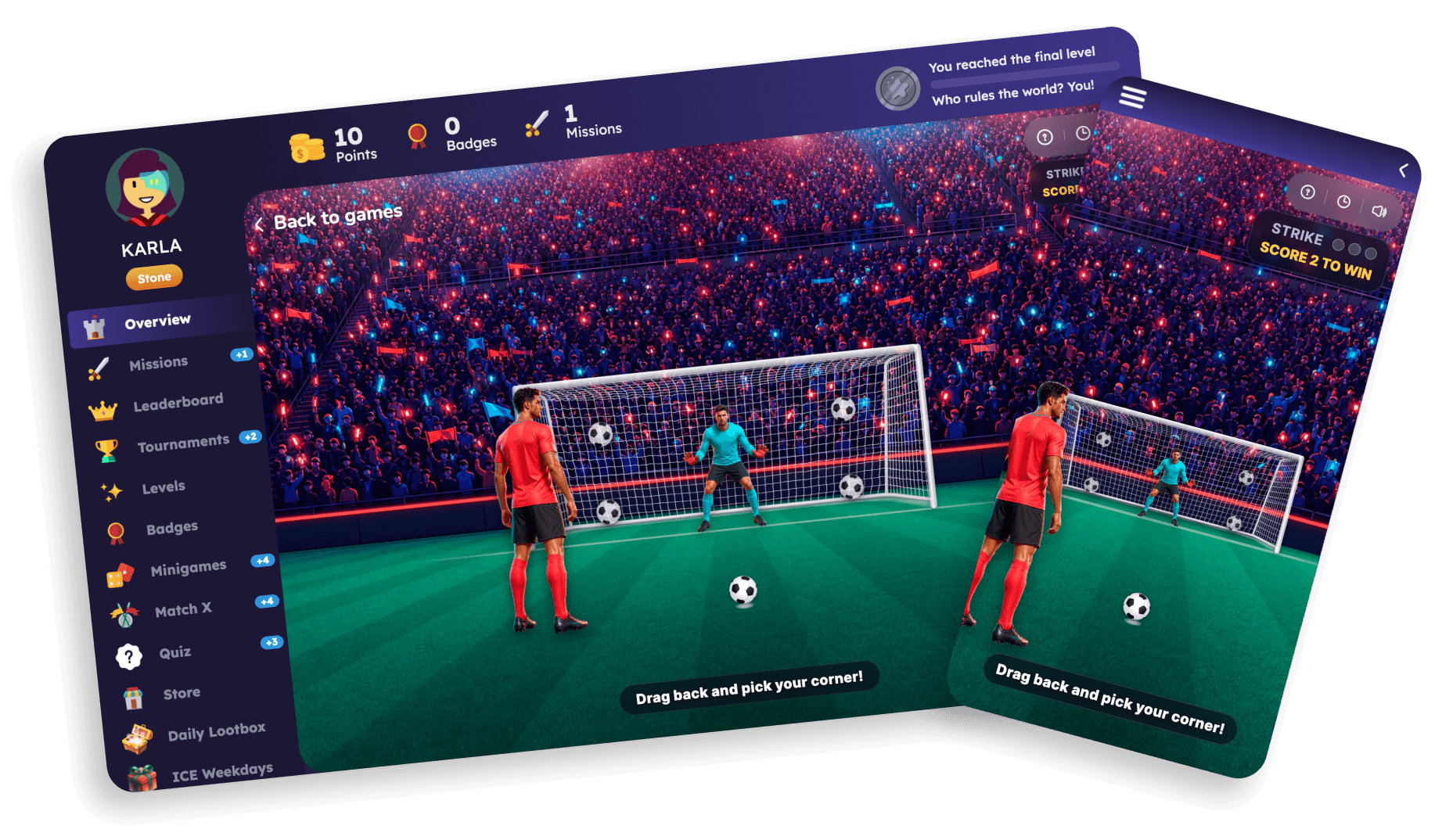
Goalscorer is a new ready-to-use Custom Game in Vibe Studio that turns the reward moment into a penalty shootout. It is built on Smartico's standard Giftbox mechanics, where the final prize decides the outcome animation, so the reward logic you already use stays the same and only the experience changes.
How it plays
Players drag back to line up each penalty and need to score 2 goals out of 3 against the goalkeeper to win. If the round's outcome includes a prize, the player scores the 2 goals and the reward is revealed. If the outcome is a "No Prize" type, the goalkeeper saves enough shots to keep the player short of the 2-goal target.
One thing to know about outcomes
Both prize and no-prize rounds trigger a minigame win event, because Giftbox mechanics treat every finished round as a completed play. Keep that in mind when you build automation rules around the game or read its reporting, since a "win event" here means the round finished, not that the player took a prize.
How to turn it on
Goalscorer is already live as a global template across all environments. To use it in place of your standard Giftbox experience, turn on the 'Use Custom Game' toggle and select the Goalscorer global template in Vibe Studio. Because it is a Custom Game, you can also shape its look and feel in Vibe Studio to match your brand, while the prize pool, rules, and eligibility stay in the Mini-games section like every other game.
Try it
Swap Goalscorer into your next campaign and give players a reward moment worth playing through. It sits alongside the rest of your gamification and runs on your live Smartico data.
Full documentation: https://help.smartico.ai/welcome/products/vibe-studio/custom-games
Book your demo of Smartico below to see Goalscorer and Smartico's massive library of retention-driving mini-games!
Ready to use Smartico?
Join hundreds of businesses worldwide engaging players with Smartico.