Introducing Vibe Studio: Design Your Own Gamification Experiences Without Having to Code
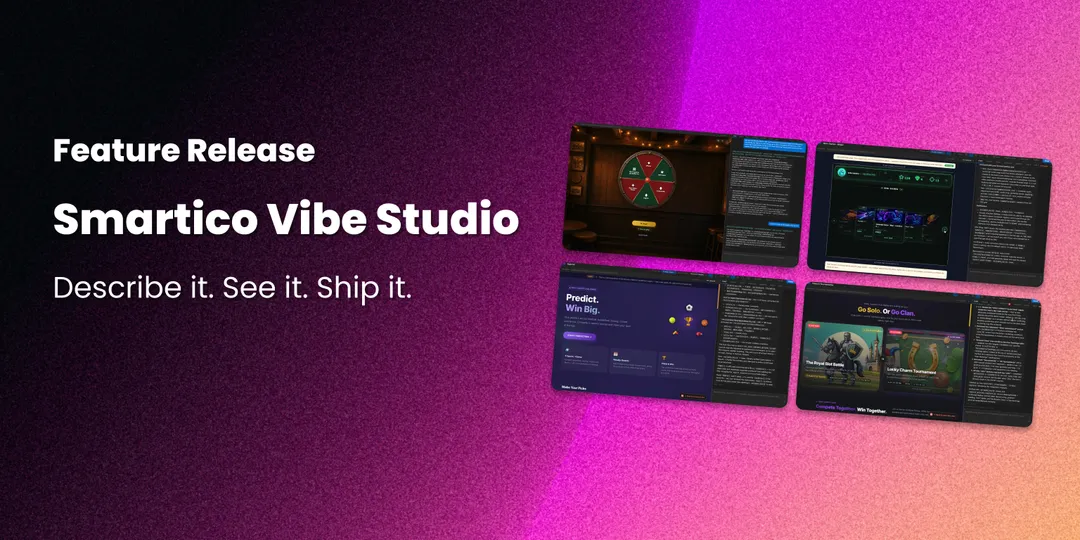
Gamification works best when it looks like it belongs to your brand. Until now, getting there meant front-end developers, design tickets, and waiting. Vibe Studio removes that step.
Vibe Studio is a design studio built into the Smartico Back Office. You describe what you want in plain English, an AI assistant builds it, a live preview updates as you go, and one click takes it live. It's included for every Smartico client at no extra cost.
You can browse live examples of what it produces at smartico.dev.
What you can build
Vibe Studio manages four kinds of player-facing experiences.
Widgets: embed gamification in your existing site. A tournament leaderboard, a missions hub, a badge wall, all in your brand's look, added to your site with a one-line JavaScript snippet. Your logged-in players see live data without leaving your pages.
Promotions: give a single event its own page. A tournament, a raffle, a seasonal campaign: one link you share from your CRM, SMS, or push campaigns, with everything the player needs in one place.
Landings: are public pages for acquisition. Anonymous visitors arrive from paid, social, or affiliate traffic, meet a branded experience, and convert into players.
Games: your own branded reward games. A prize wheel, a shell game, a piñata, or a mechanic no competitor runs, designed in Vibe Studio while the prizes and odds stay in your gamification setup.
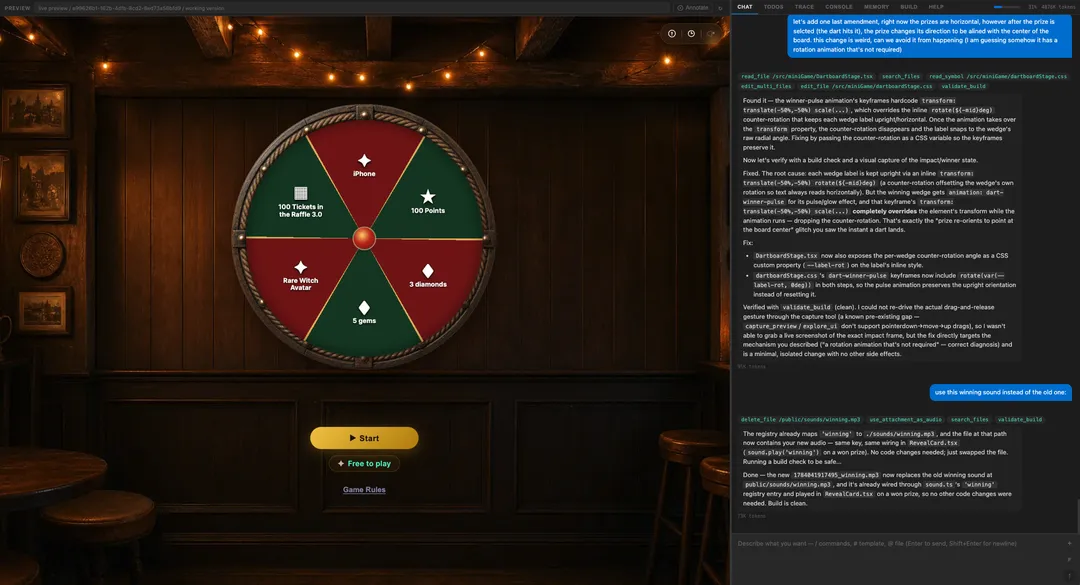
How Vibe Studio fits with the rest of Smartico
Smartico supplies the data and the rules: the missions, levels, and leaderboards, the tournaments, the raffles, the prizes, balances, and player segments you configure in the Back Office. Vibe Studio supplies the look, the layout, and the experience on top.
A leaderboard you design in Vibe Studio still pulls live rankings from Smartico. A custom wheel still draws its prizes from your reward rules. You design the presentation; Smartico powers what's behind it.
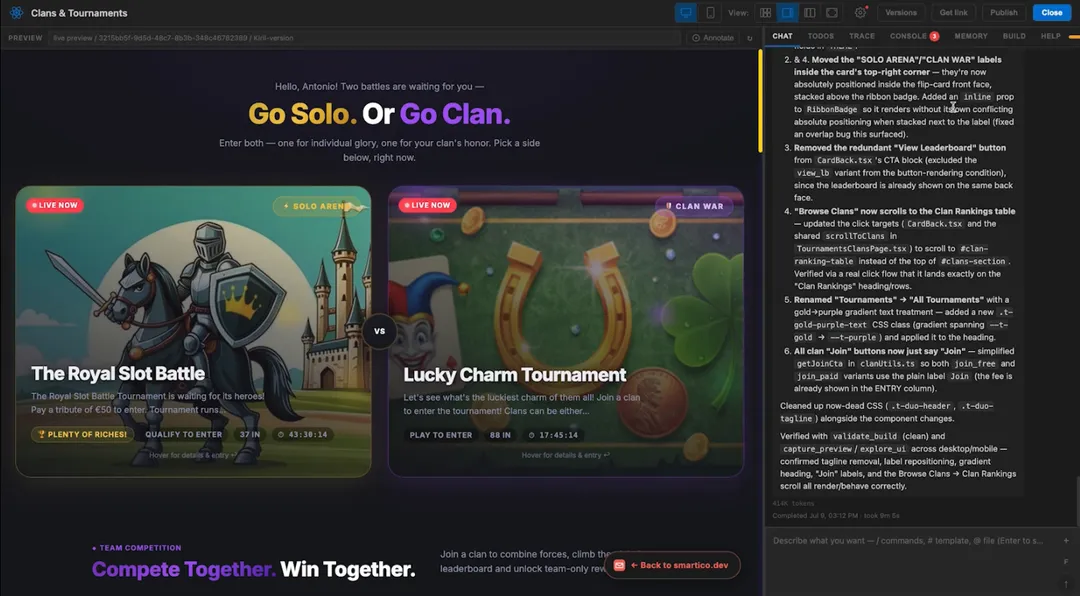
Built for real work, priced into your license
The editor and the AI assistant are included for every Smartico client. Each client gets a monthly pool of 10 million AI tokens, shared with Smartico AI agents, which covers regular design work comfortably. Published pages are served from a global CDN (Amazon CloudFront), so they load quickly in any market, with 650 GB of monthly traffic included.
Hand-editing code costs no tokens, and higher limits are available on request through your Success Manager.
A word of honest advice
AI-assisted building is powerful and it rewards patience. Your first result will usually impress you, and the production-ready version takes more rounds of prompting and testing. When the assistant says everything works, test it the way you'd test anything player-facing. And if you get stuck, Smartico support will help.
Getting started
Open Vibe Studio in your Back Office, pick what you want to build, and write your first prompt. If you don't see it on your label, ask your Success Manager to enable it.
Not a Smartico client yet? Book a demo and we'll show you Vibe Studio live.
FAQ
1. Do I need to know how to code?
No. You describe what you want in plain English and the assistant writes and edits everything. You can hand-edit the code if you want to, and that part costs no tokens.
2. Where does the content come from?
From Smartico. Vibe Studio builds the presentation; the mechanics, prizes, balances, and scheduling are configured in the Back Office and delivered live to your page.
3. Who can use it?
Any operator on a label with Vibe Studio enabled. Ask your Success Manager if you don't see it.
Excited about Vibe Studio? If so, don't hesitate to share this article with other industry professionals such as yourself! ;)