Convert Visitors Into Loyal Players With a Game Before Sign-Up
A visitor plays a wheel or a scratch card on your landing page, wins, and registers to claim the prize. Smartico keeps the win and credits it to the new account, so the first thing a new player sees is a reward.
Play what a visitor sees
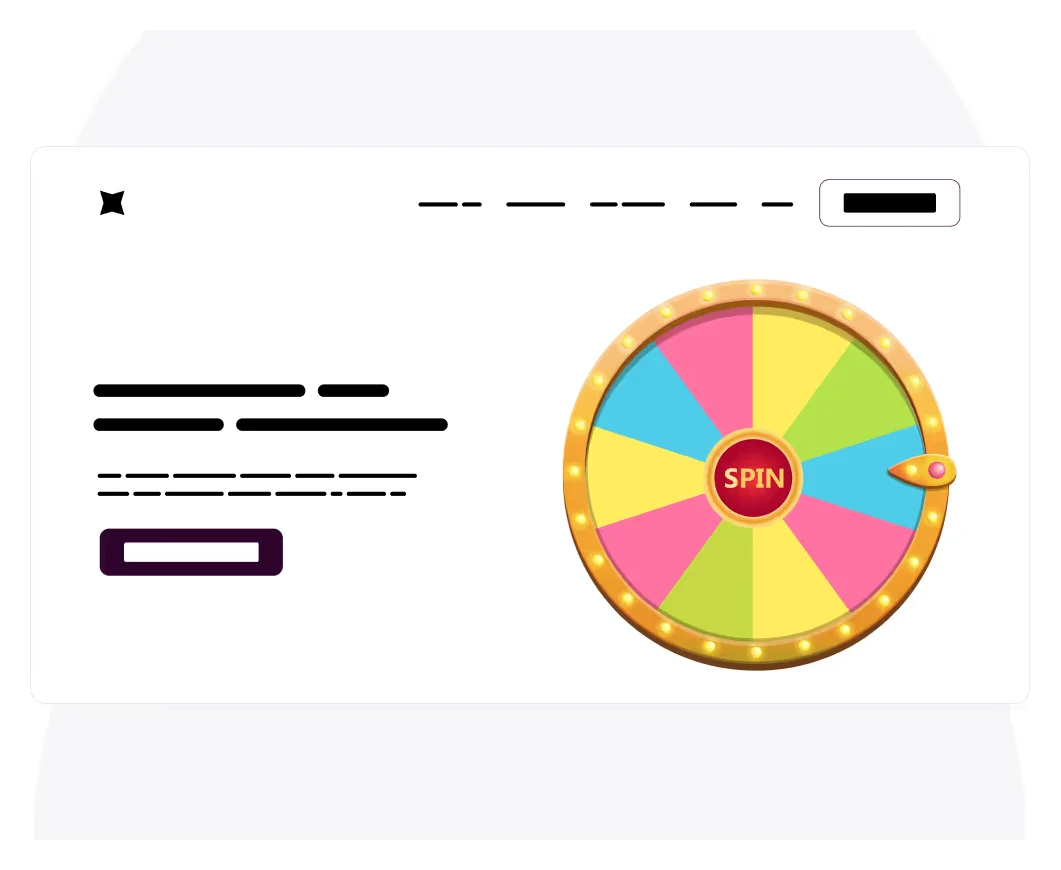
This wheel is set up for landing pages. On this site you are already a demo player, so the prize goes straight to your demo account.
Landing page
Visitor Wheel
The wheel for a landing page.
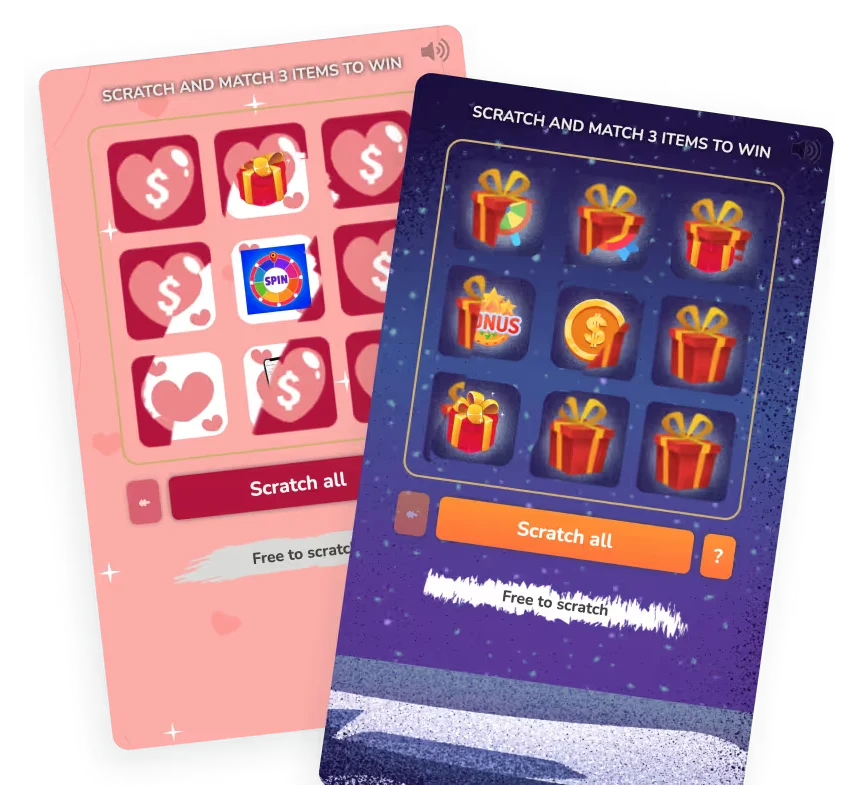
Scratch & Catch
Scratch & Win
A scratch card a visitor can play too.
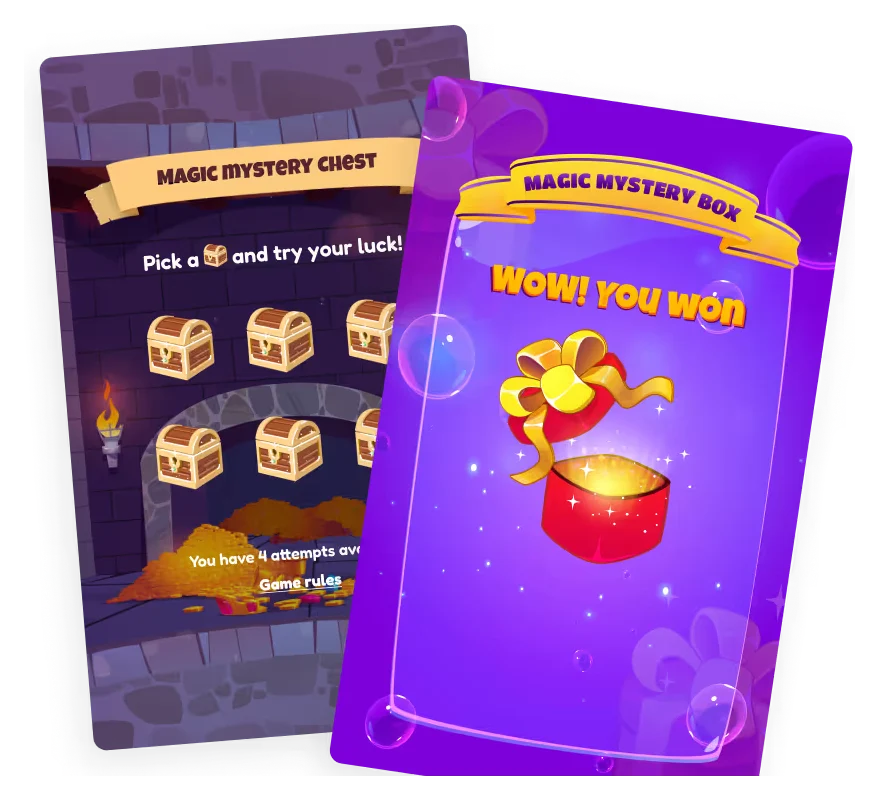
Gift Box
Gift Box
A gift box for the first visit.
How it works
Play first, register to claim
The landing page shows a visitor game. The visitor plays and wins; the page keeps a win code and sends it to your site with the sign-up. After registration, Smartico turns the code into the prize on the new account.
- No time limit: a visitor can register hours or days later.
- The code travels as a link parameter, a cookie or local storage.
- You decide when the game shows, for example only after an email.
- VisitLanding page
The wheel opens: "Spin before you join"
- PlayVisitor
Lands on 20 free spins; the win code is kept
- RegisterYour site
Sign-up with the win code in the link
- CreditSmartico
20 free spins on the new account
Built-in protection
One prize per new player
Visitor prizes are for new players only. A visitor who already claimed a prize gets nothing more by playing again, and an account older than one hour cannot claim a visitor prize.
- A short limit on plays per IP address per minute.
- The game must still be active when the visitor converts.
- Add your own rules on the page, such as one play per browser.
Which games
Most game types work for visitors
Spin the Wheel, Scratch & Catch, Gift Box, Treasure Hunt, Voyager, Ballanza, Coin Flip and custom games can all run in visitor mode. The prize pool is set as for players, and visitor prizes do not run out of stock.
- Not for Lootbox, MatchX, Quiz or Prize Drops: they need a player account.
- The game opens as a centred window or inside a frame you place.
- Make the whole landing page in Vibe Studio too.
Two set-ups
Prizes on sign-up, or messages before it
The usual set-up runs on your main label: the prize moves to the new account after sign-up. An acquisition label instead lets you send popups and push messages to anonymous visitors, but its prizes do not move to the account.
- Your Success Manager turns visitor mode on.
- A test player account per brand runs the visitor games.
- A few lines of script on the landing page.