Avatars Players Earn, Collect and Redesign with AI
Give avatars for free, as mission and tournament prizes, in the store or as a VIP reward. Players can then change them with AI for points, gems or diamonds, and every change is a new picture made just for them.


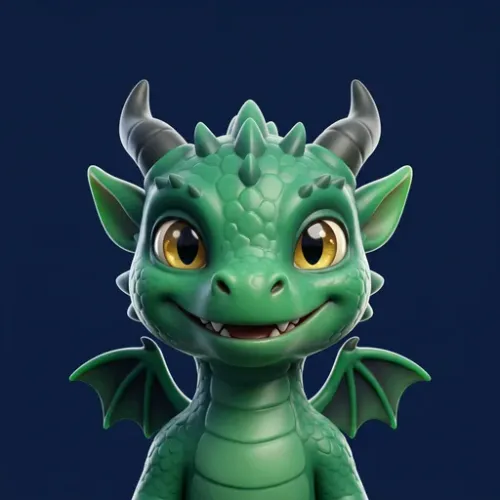
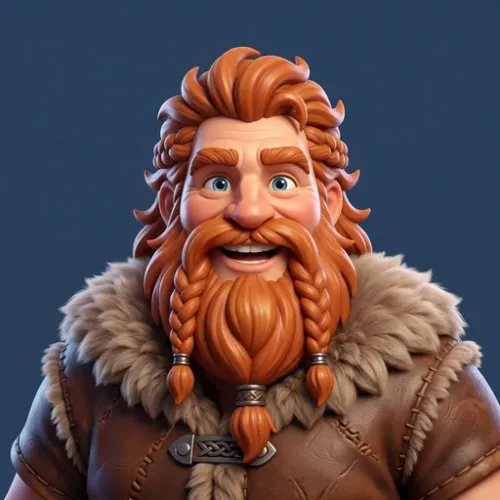

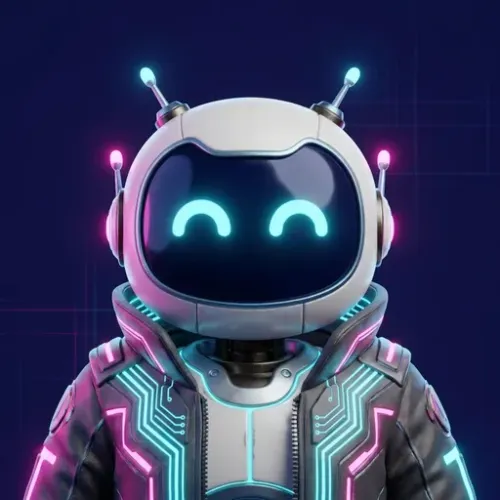 FreeMissionTournamentStore · 500VIP
 Free
FreeFree or earned: You Decide for Each Avatar
Upload your own pictures, or make them with the AI image button in the back office. Then choose how players get each one.
- Free avatars: every player can pick them right away. Give them dates for a Halloween or World Cup set.
- Reward avatars: players win them in missions, tournaments, badges, raffles and mini-games, or buy them in the store.
- Show a reward avatar as locked, as a goal to chase, or hide it until the player gets it.
AI changes: A New Look, Paid with Points
You write the changes, such as a royal crown or a pirate hat, and set a price for each. The player picks a change, pays, and gets a new version of their own avatar.
- Every change makes a new picture for that player, so no two players look the same.
- Players pay with points, gems or diamonds. A change they cannot afford is grayed out.
- Each picture stays in the player’s history, and they can go back to any earlier look.
- Test a change on your own avatars in the back office before players see it.

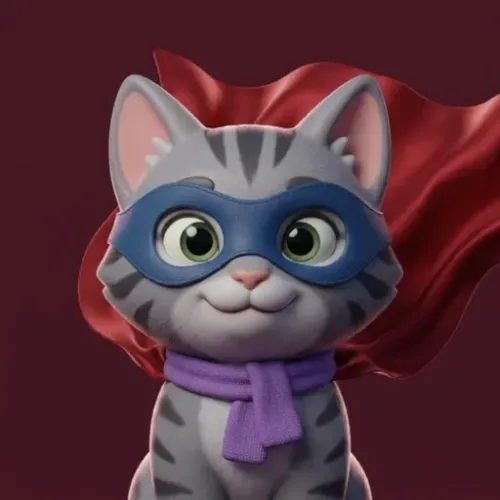
 Superhero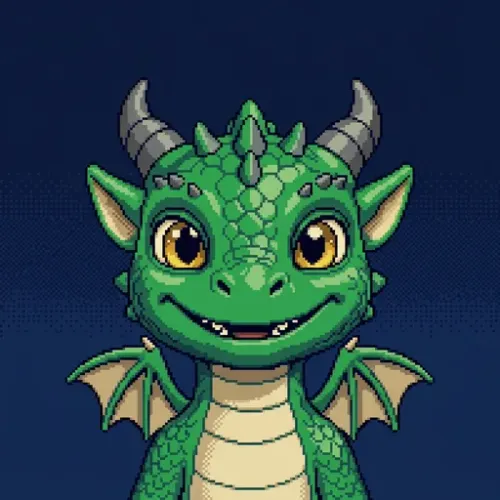
 Pixel Art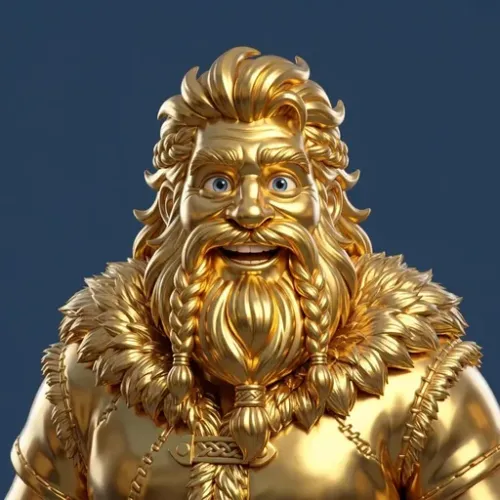
 Gold Statue
 Starry Sky
Try AI Avatars Live
This is the real Smartico avatar feature, running on our demo account. Pick an avatar, choose a change and watch the AI draw it. You get 50 demo points a day for opening this page, and each change costs 5 to 15.
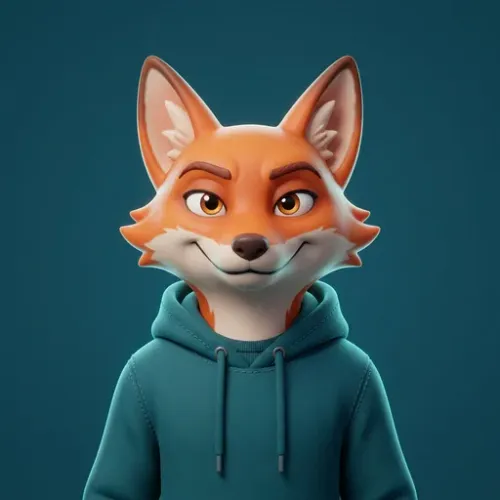
Connecting to Smartico…
Each picture is made by AI just for you and saved to your history. Demo points have no value. On your brand, you choose the avatars, the changes, their prices and the monthly limits.
One Reward, Many Places
An avatar costs you nothing to give, and it stays on the player’s profile where others can see it. Use it wherever you reward players.
- Missions and badges: Make a rare avatar the prize for a hard mission or the last stage of a badge.
- Tournaments: Give the winners an avatar that shows on every leaderboard after the tournament ends.
- Store: Sell avatars for points, gems or diamonds. Limit each one to one purchase and hide it once bought.
- Mini-games and raffles: Put an avatar in the prizes of a wheel, a scratch card or a raffle draw.
- Campaigns and rules: Give an avatar from a journey or an automation rule, for example on a birthday or a new VIP level.
Reports on avatar spending
Avatars are a reward and a way to spend points, so their numbers sit where your points economy is measured.
- Points, Gems & Diamonds dashboard: AI avatar changes paid with points, gems or diamonds show as spending outside the store, next to what players earn and spend in the store.
- AI Data Analyst: ask in plain language about avatar purchases and AI changes, and get a chart and the SQL behind it.
- Your own BI: the same data is in the Smartico data warehouse.
- Avatars in the store: avatars you sell for points show among the most popular store redemptions in the same dashboard.
Build on it with code, Vibe Studio or AI
Your avatars are open to your developers, to Vibe Studio and to AI assistants, with the same data and rules as the back office.
- Your own codeThe JS API gives your front end all your avatars with live updates, and native SDKs and demo apps cover iOS, Android and React Native.Developer resources
- Vibe StudioDescribe an avatar picker or a profile screen and Vibe Studio builds it on your live avatars and balances.See Vibe Studio widgets
- MCP Server and AI AgentsAsk Claude or ChatGPT to create, change or check your avatars over the MCP Server. Smartico's AI Agents analyse them for you and draw their pictures.MCP ServerAI Agents
Set Up in Four Steps
Everything is in Gamification › Avatars in the back office.
- 1Add your avatarsUpload pictures or make them with the AI image button. Set their order and an optional description.
- 2Choose how players get themFree for everyone, or a reward from missions, tournaments, the store and more.
- 3Add AI changesWrite each change, add an icon and set its price in points, gems or diamonds.
- 4Turn it onStart with test players, then open it to everyone. Set how many AI changes one player and the whole brand can make each month.
Avatars come with Smartico gamification at no extra cost. AI changes are a paid add-on.