Popups, Forms and Emails, Designed by Chatting
Everything your campaigns show or send can look like your casino: popups with offers, forms with real fields, and emails. Describe it in plain English, see it as the player will, and use it in any journey.
Popups That Look Like Your Brand
A popup is a message that opens on top of your site while the player is there. It is a step in a journey: an event such as a login or a deposit starts the journey, the popup shows, and each button the player clicks can lead to its own next step.
- How it works: every button link becomes a branch in the journey, such as Click 'dp:deposit', so one click can give a bonus, open a page or start another step.
- With Vibe Studio: start from a casino-ready design, such as a VIP offer, free spins, jackpots, a welcome bonus or cashback, or describe your own. The whole design is yours, not a fixed template with a few fields.
- See the popup as the player will, on desktop and phone, and turn it into every language you need with the
/translatecommand. - Test two designs against each other in the same journey step.
Forms With Real Fields
A form asks the player for something and stores the answer: a tournament nickname, a deposit limit, a bonus choice, a birthday or a survey. You set up the fields in the back office: text, number, choice list, checkbox or date.
- How it works: a journey shows the form. When the player sends it, the journey continues on the Submitted branch, and every answer is listed in the back office.
- Each field either updates a player property, so you can use it in segments and campaigns, or is kept as your own data with the answer.
- With Vibe Studio: the form gets your casino look, with styled fields, clear error messages and your own texts, while the field set-up stays the same.
- Validation rules check the answers before they are saved, such as the length of a text, a number range or a required tick.
Try Them Live
Every button below sends an action to Smartico, the way a button on your site would. A real campaign answers with a popup or a form designed in Vibe Studio.
Popups
- Button clickedA client action goes to Smartico
- Popup shownThe journey starts and shows it
- Click checkedWhich button the player tapped
- Next step runsEach button has its own branch
VIP offer
Popup
Black and gold, with a Deposit now button that can lead to its own journey branch.
Free spins
Popup
Red velvet and a gold slot machine whose reels land on 7-7-7.
Must-drop jackpots
Popup
A Vegas marquee with three jackpot tiers and chasing lights.
Forms
- Button clickedA client action goes to Smartico
- Form shownThe player fills it in and sends it
- Form state checkedSubmitted, Viewed or Failed
- Answers savedThen a thank-you popup
Tournament sign-up
Form · text, choice list, checkbox
Pick a leaderboard nickname and a tournament, then accept the rules.
Deposit limit
Form · choice list, number, checkbox
Set a daily, weekly or monthly limit, from 10 to 5,000 EUR.
Weekly bonus
Form · choice list, date, text
Choose free spins, cashback or a reload bonus and the day it starts.
On your site, the same actions can come from any button, page or event, and each one can lead to any reply you design. The popups and forms in this demo are in English.
Emails Designed by Chatting
Start from a gallery of ready casino emails, from welcome and first deposit to free spins, VIP and reactivation, or describe your own. Vibe Studio writes mail-safe HTML, keeps your personalisation tags and shows every email on desktop and phone. Click any screen to see it full size.
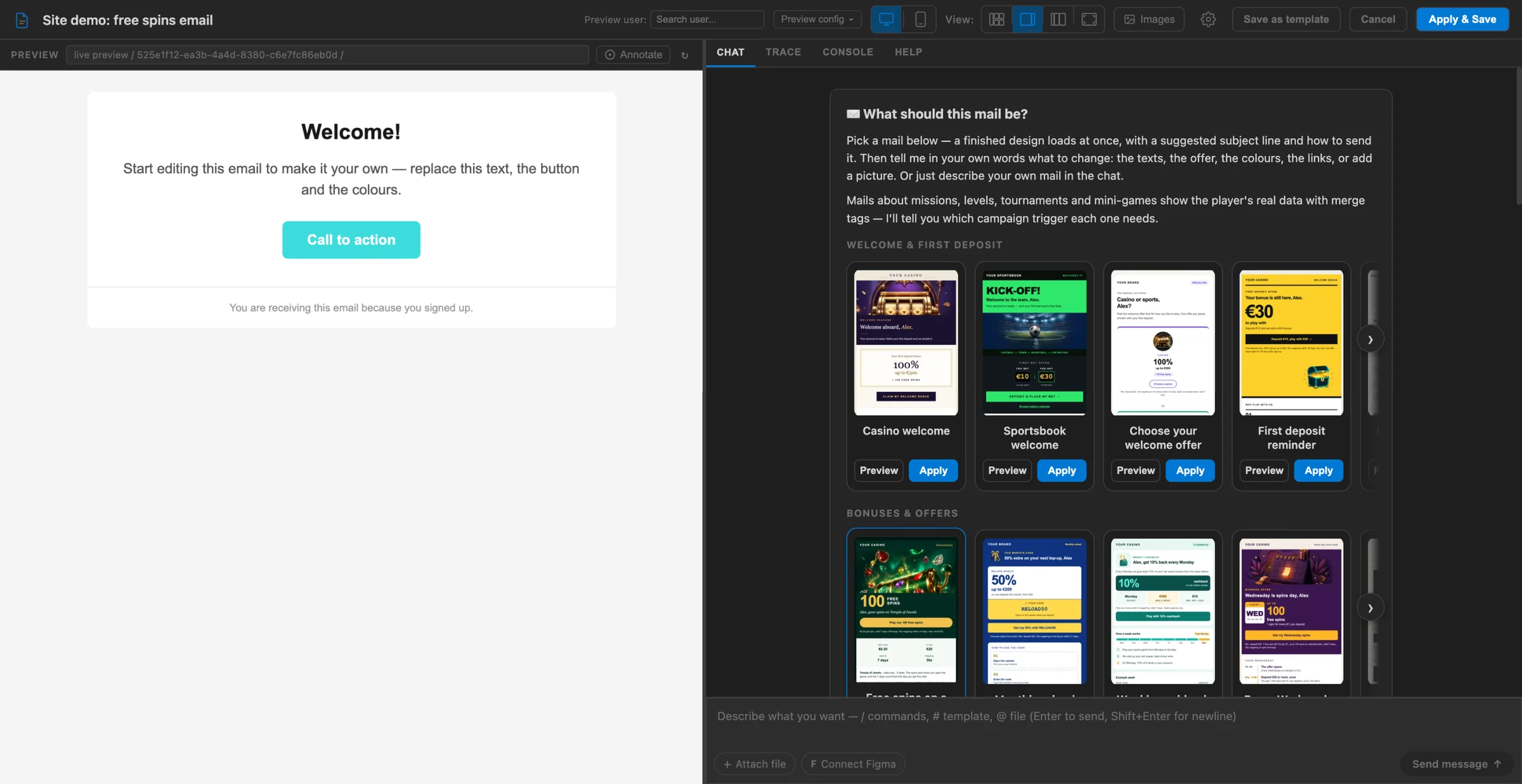
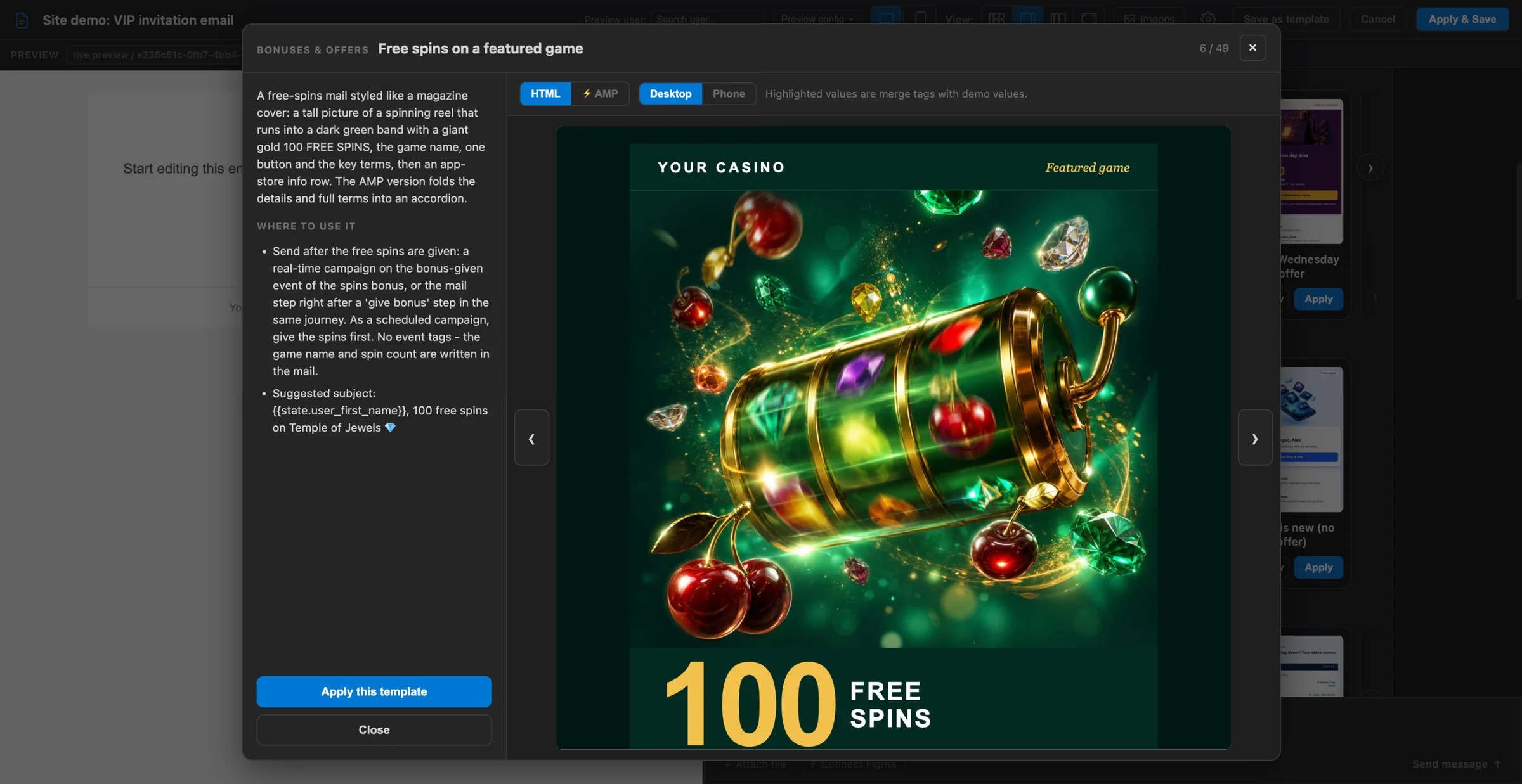
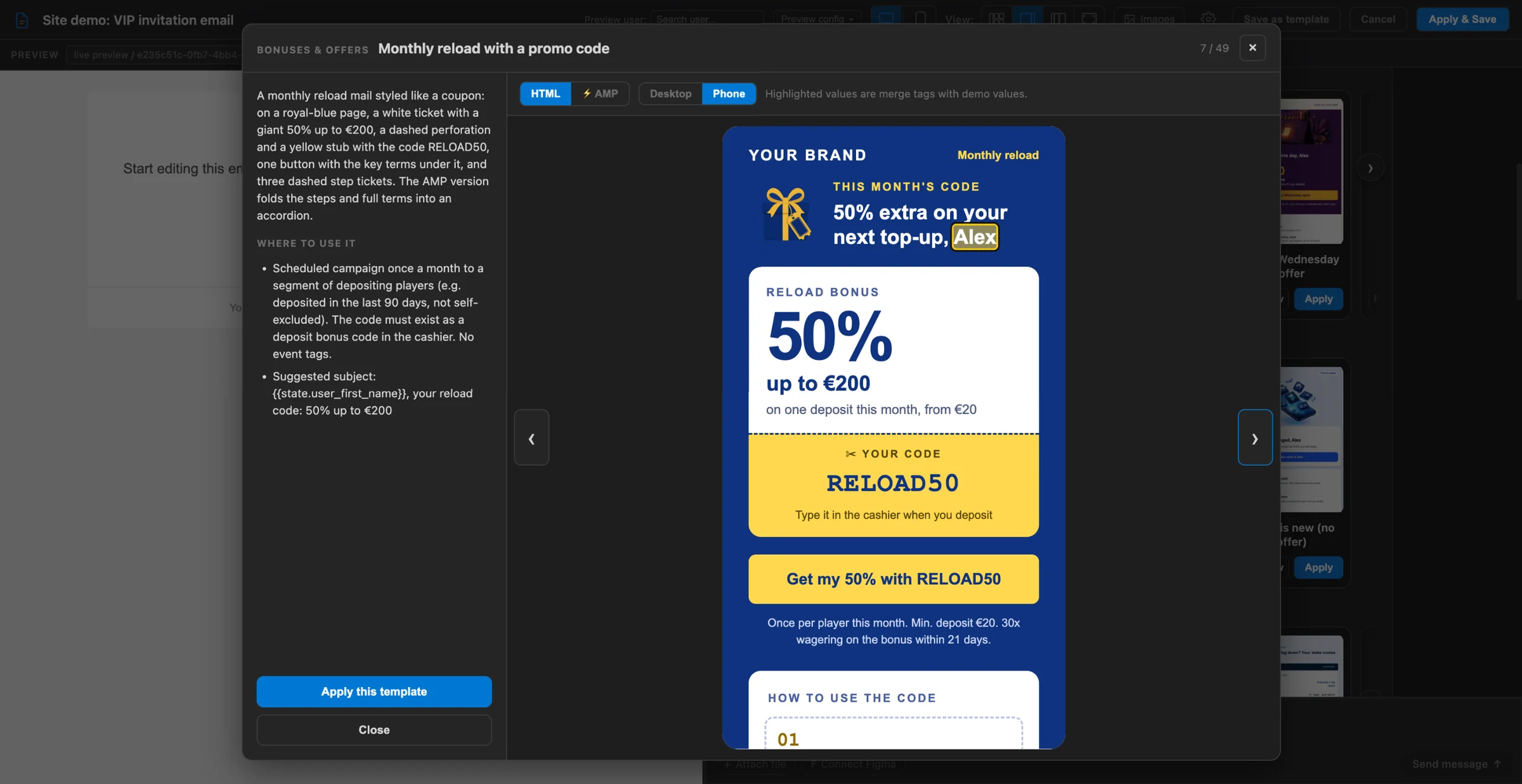
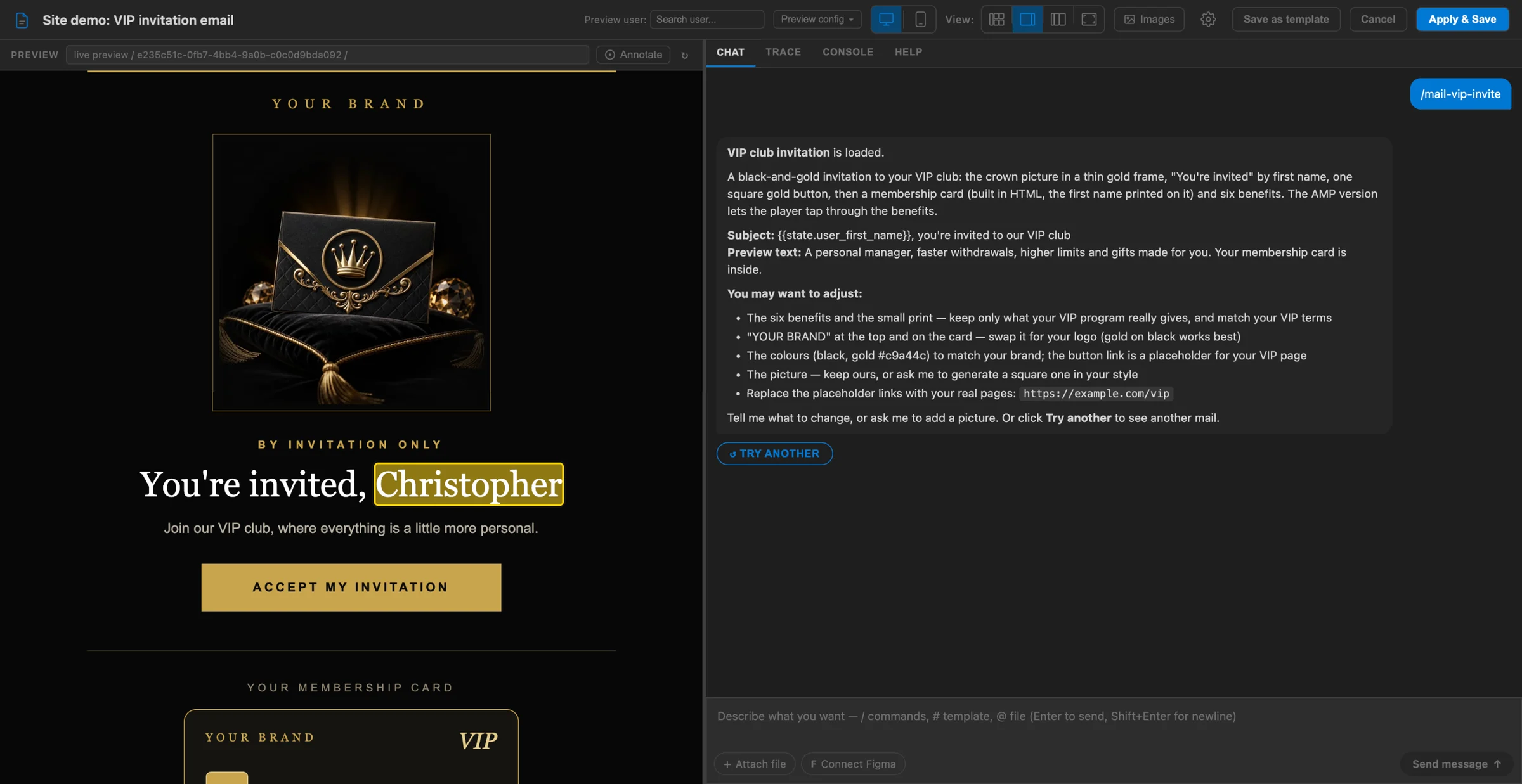
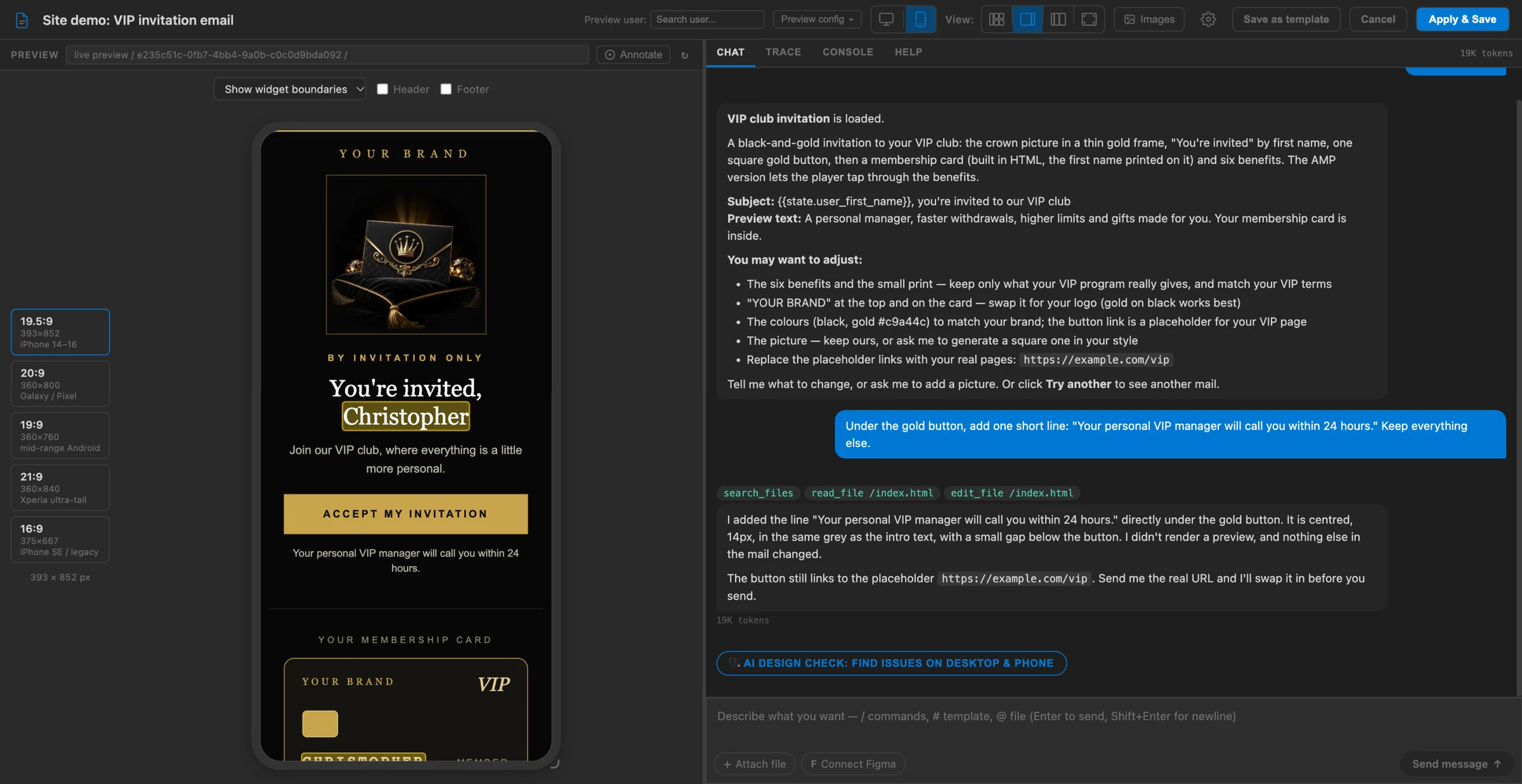
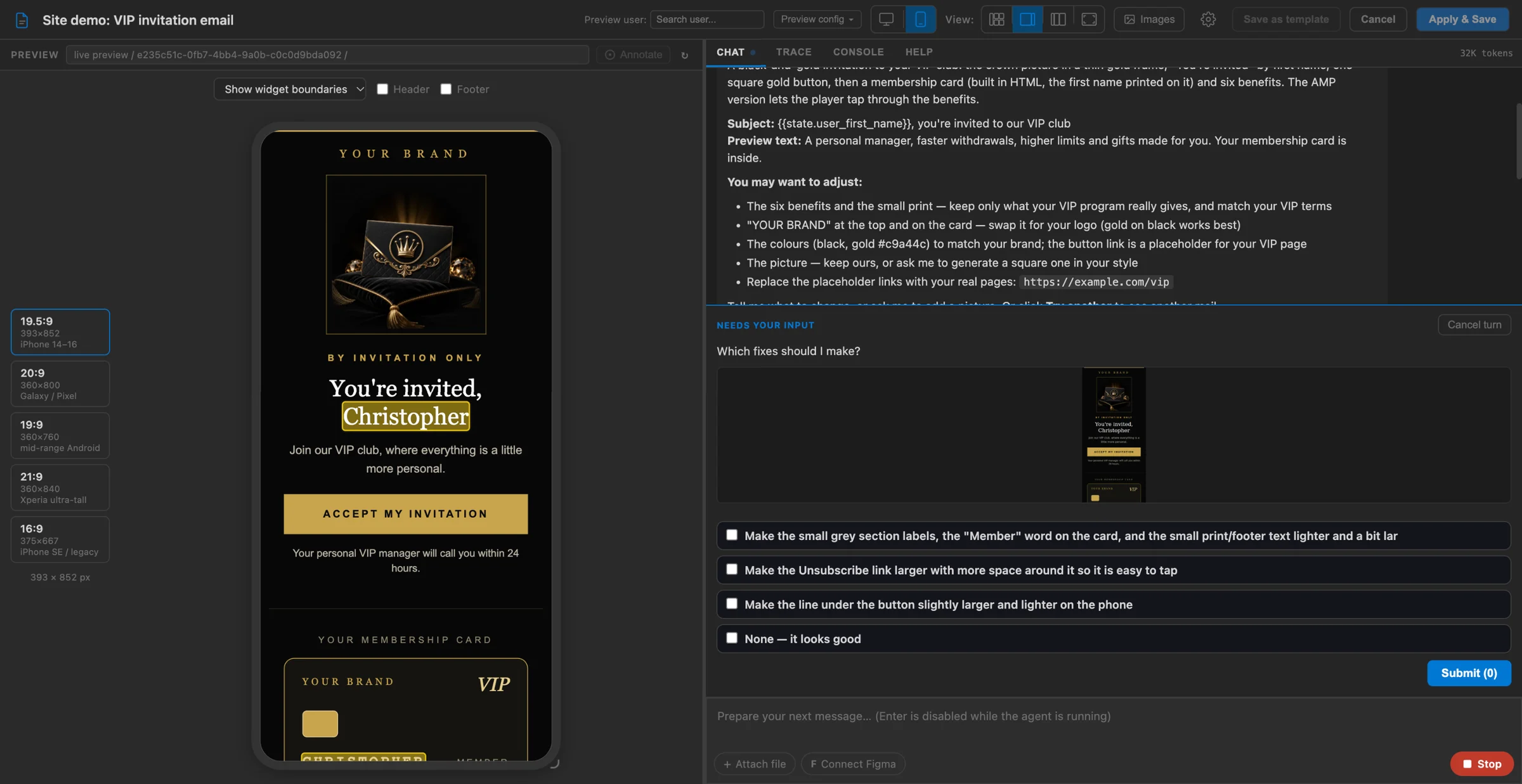
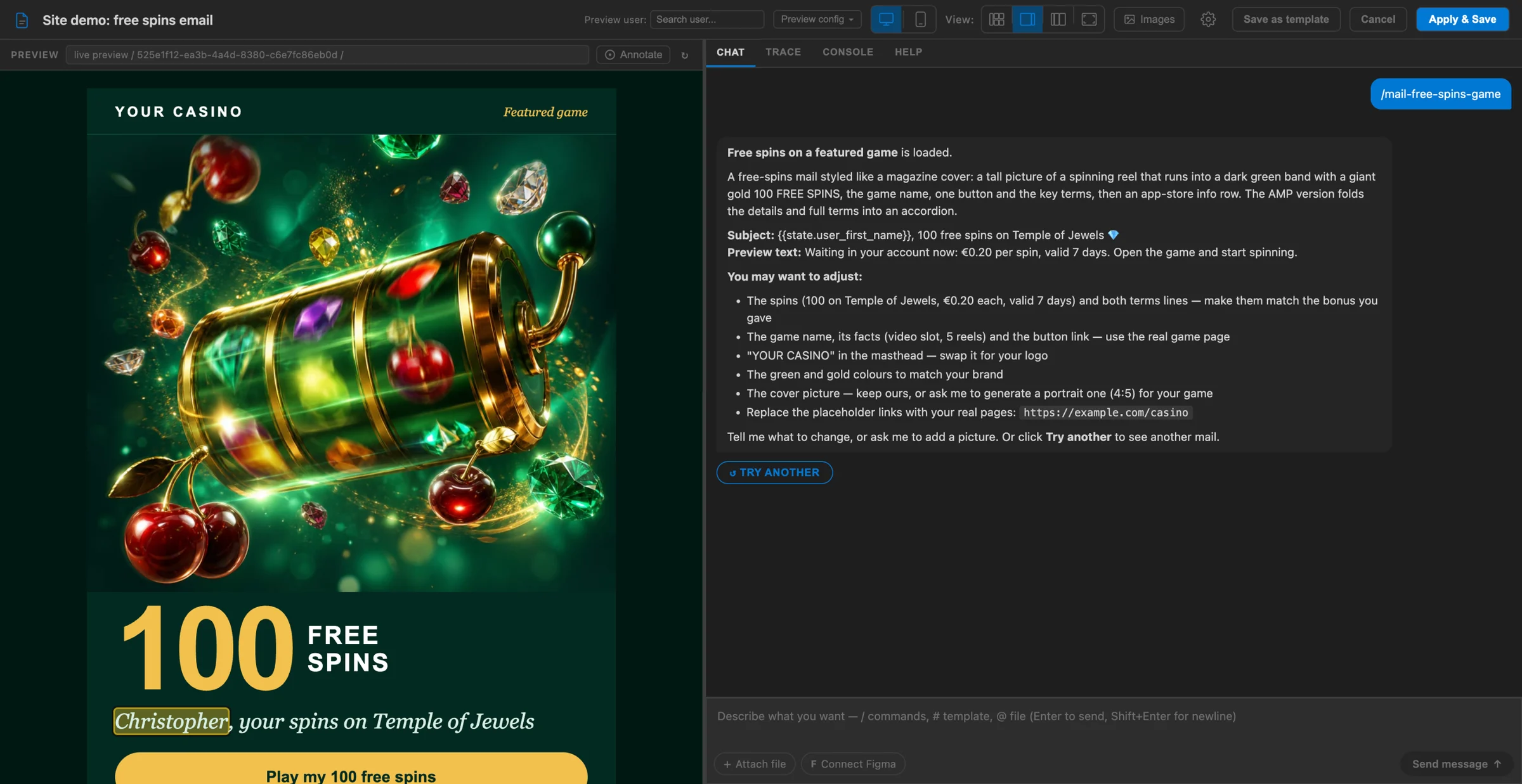
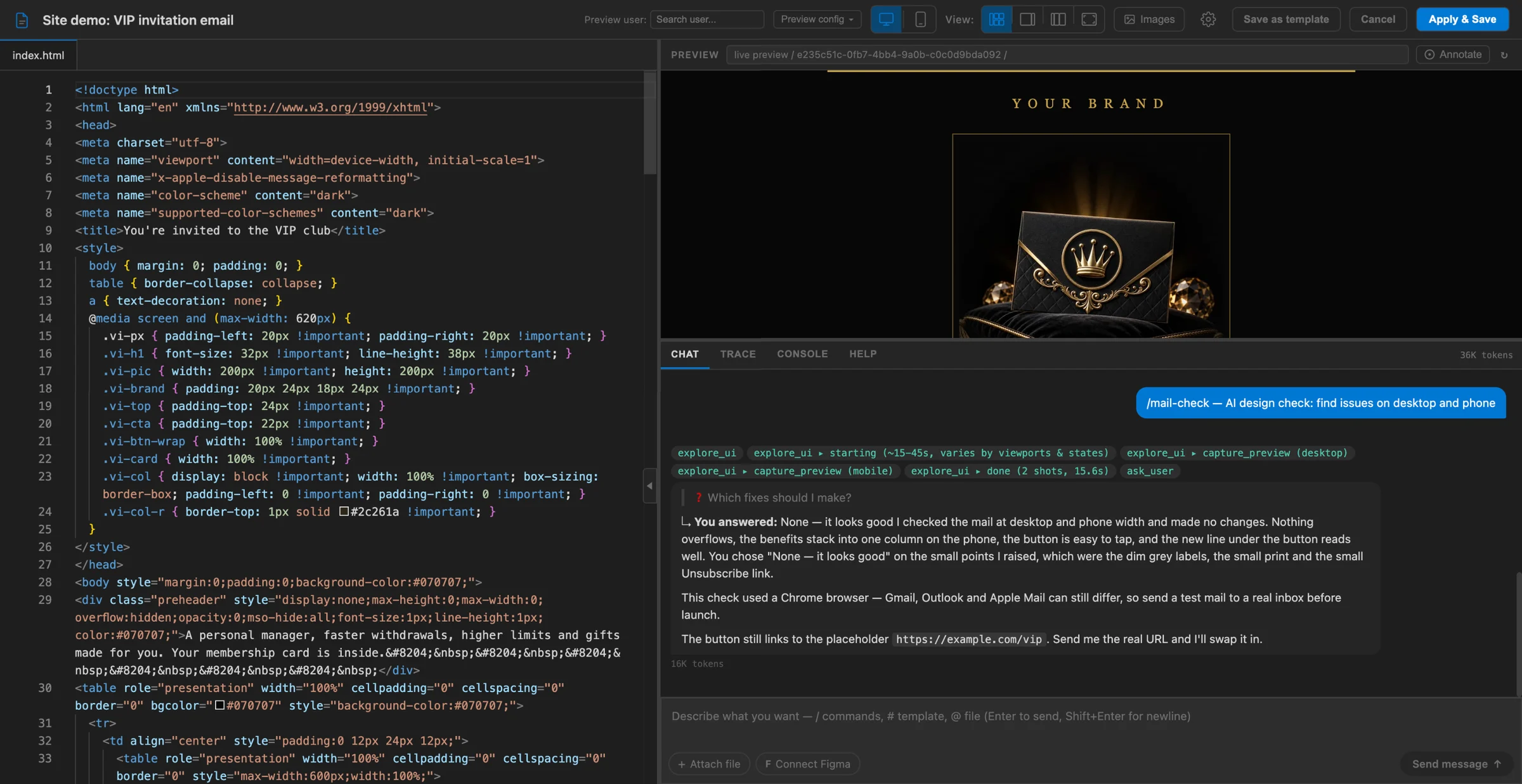
- Preview every email at desktop and phone size before you send it.
- The
/mail-checkcommand checks the email on desktop and phone, lists what looks wrong and fixes the points you pick. - Save a design as a template for the whole team.
- Inbox messages with a rich body are designed the same way.
From Smartico Labs
Studies built on Smartico's own platform data.
 Data study
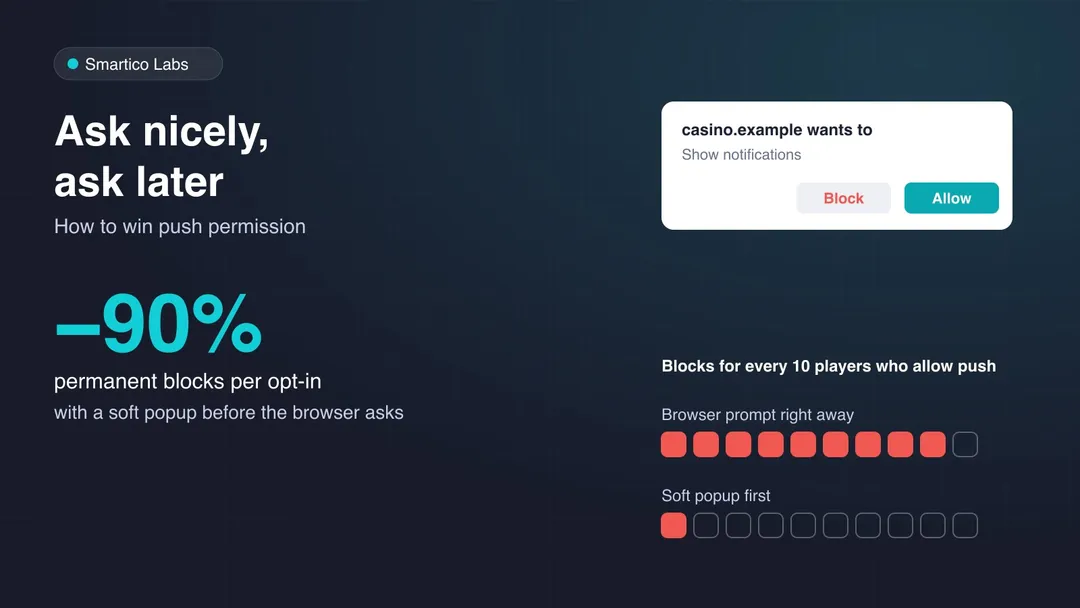
Ask Nicely, Ask Later: How to Win Push Permission Without Losing Players for Good
Asking for push permission straight away loses about one player for good per opt-in. A soft popup first cuts those losses by 90%. Data from tens of millions of casino players.
 Data study
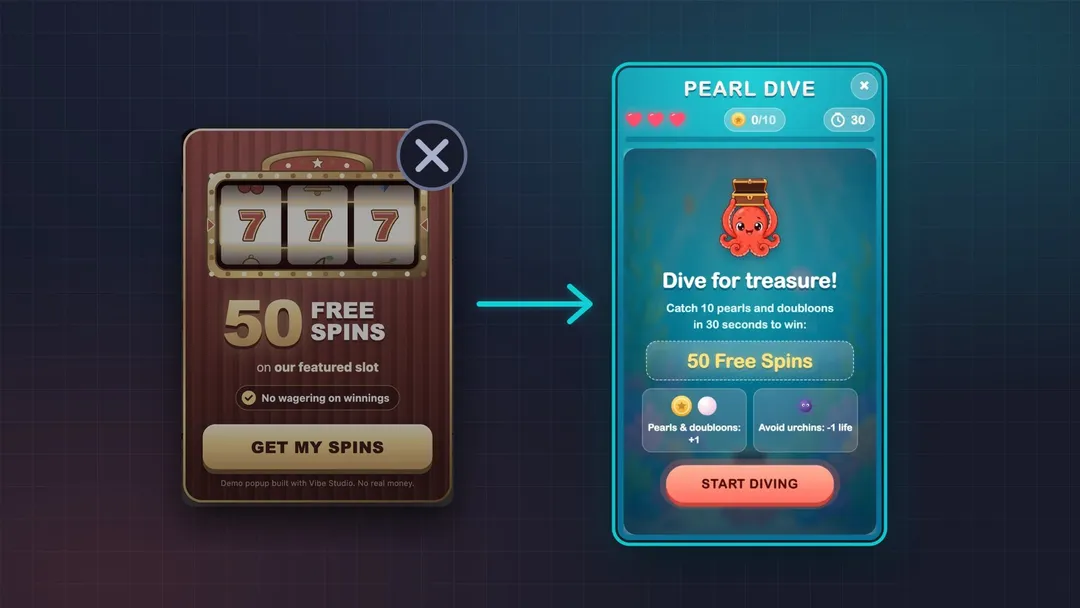
Doodles vs Plain Promo Popups: A Study of Smartico Brands, 2023–2026
21.8 billion popup views on Smartico, 2023–2026. At brands that added doodles, the median doodle got 2.4× the response of the same brand’s plain promo popups.