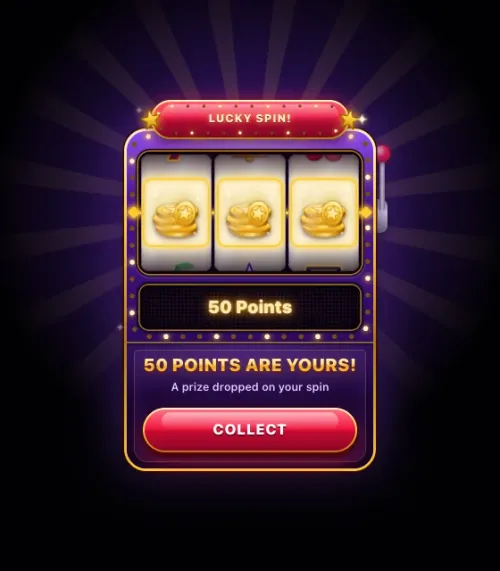
Slot surprise
- Design
- Reels land on the prize
- Trigger
- A slot spin
- Prize given
- At once, even if not seen
- Prizes


Any spin can drop a prize. About one spin in three wins; the others get a silent "no prize" that shows nothing.
A random prize lands on the player's screen after a deposit, a bet, a mission or a store purchase. You choose the prizes, the odds and the budget. Players get the thrill of a surprise, with no game to play.
 You won20 GemsGet reward
 You won3 Raffle TicketsGet reward
 You won3 Free SpinsGet reward
Players soon expect a fixed reward. A random one keeps them curious, and you still decide what it costs.
Each button does what a player does in your casino or sportsbook. Smartico picks the prize on the server and shows it in that drop's own design.
Any spin can drop a prize. About one spin in three wins; the others get a silent "no prize" that shows nothing.
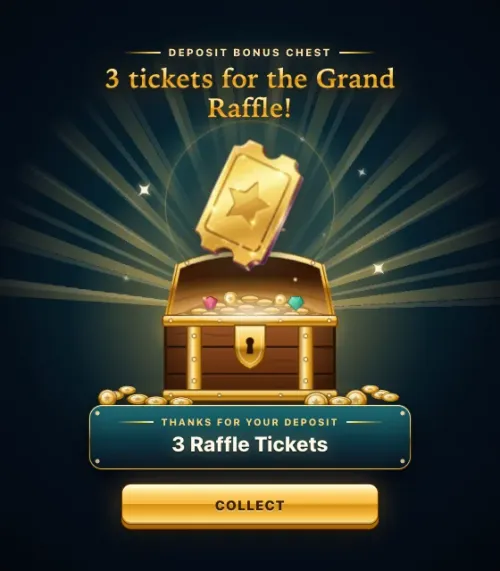

Every deposit opens the chest: points, gems, raffle tickets for the Grand Raffle, or a rare diamond.
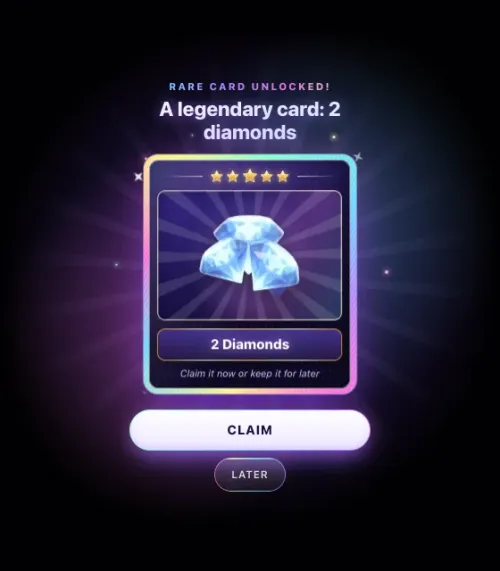
The player chooses: Claim now, or Later. A prize kept for later waits in the prize history, next to the drops.
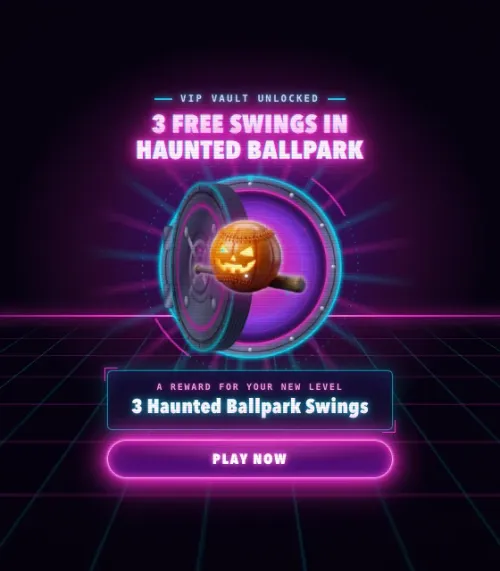

Each prize has its own button. "Play now" opens a mini-game with the spins you won; "Spend gems" opens the store.
Demo prizes only: points, gems, diamonds, raffle tickets and game spins. Nothing here costs or pays real money.
Choose when the prize counts. You set it when you create the prize drop, and every design follows it: one button, or Claim and Cancel.
Open a prize drop in the back office and click Edit in Vibe Studio. Pick a design, then tell the AI what to change: the colours, the style, the animation or a picture. You can also paste your own HTML. Click a design below to see it play.
One prize drop holds as many prizes as you like. Each one has its own stock, texts and button.
A prize drop is a reward like any other, so it fits wherever you give rewards. You can also give one by hand from a player's profile in the back office.
See what each drop gave, to whom, and what players did next.
Your prize drops are open to your developers, to Vibe Studio and to AI assistants, with the same data and rules as the back office.