What's New in Smartico: October 2026
October at Smartico: a new AI Assistant in the back office, shared steps in Flow Builder, four new games, ready emails, popups and doodles in Vibe Studio, favorite sport targeting and native mobile SDKs.
October was a big month. Here is what we shipped and why it matters. Every detail is in the October release notes.
Our focus was on four things: AI in the back office, simpler campaign flows, ready content in Vibe Studio, and sportsbook and mobile.
AI Assistant
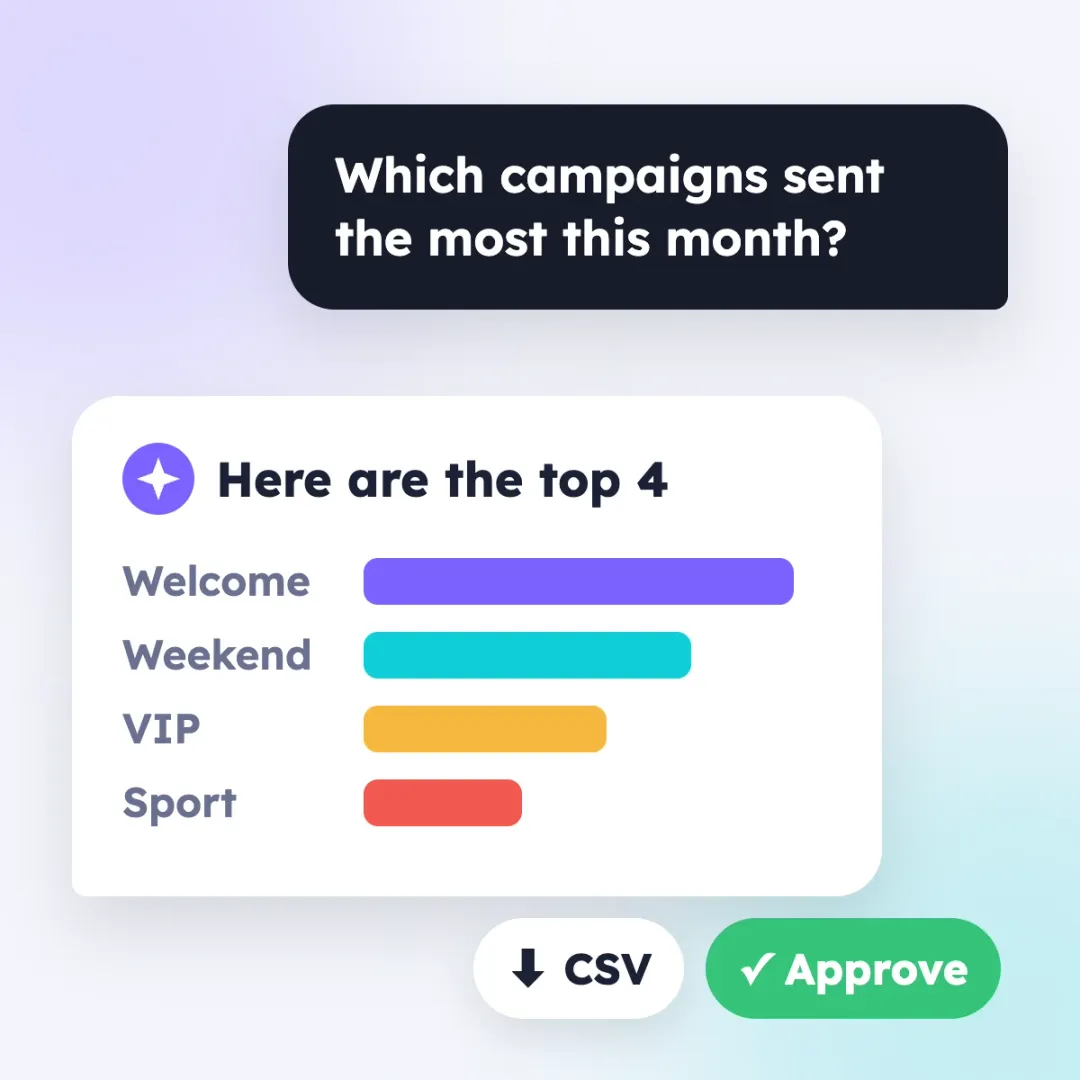 The AI button in the back office now opens one chat. Ask how a feature works, and it answers from our docs. Ask about your data, and it answers with a table or a chart. You can download the result as CSV.
In Beta, the assistant can also create and change campaigns, segments, missions and messages. It uses your access rights. It shows each change first and saves only after you approve it.
Image fields now have a Create button. It makes an AI picture in the exact size the field needs. More about our AI: AI agents.
Flow Builder: several paths into one step
 It looks like a small change. For many CRM teams it was a deal breaker.
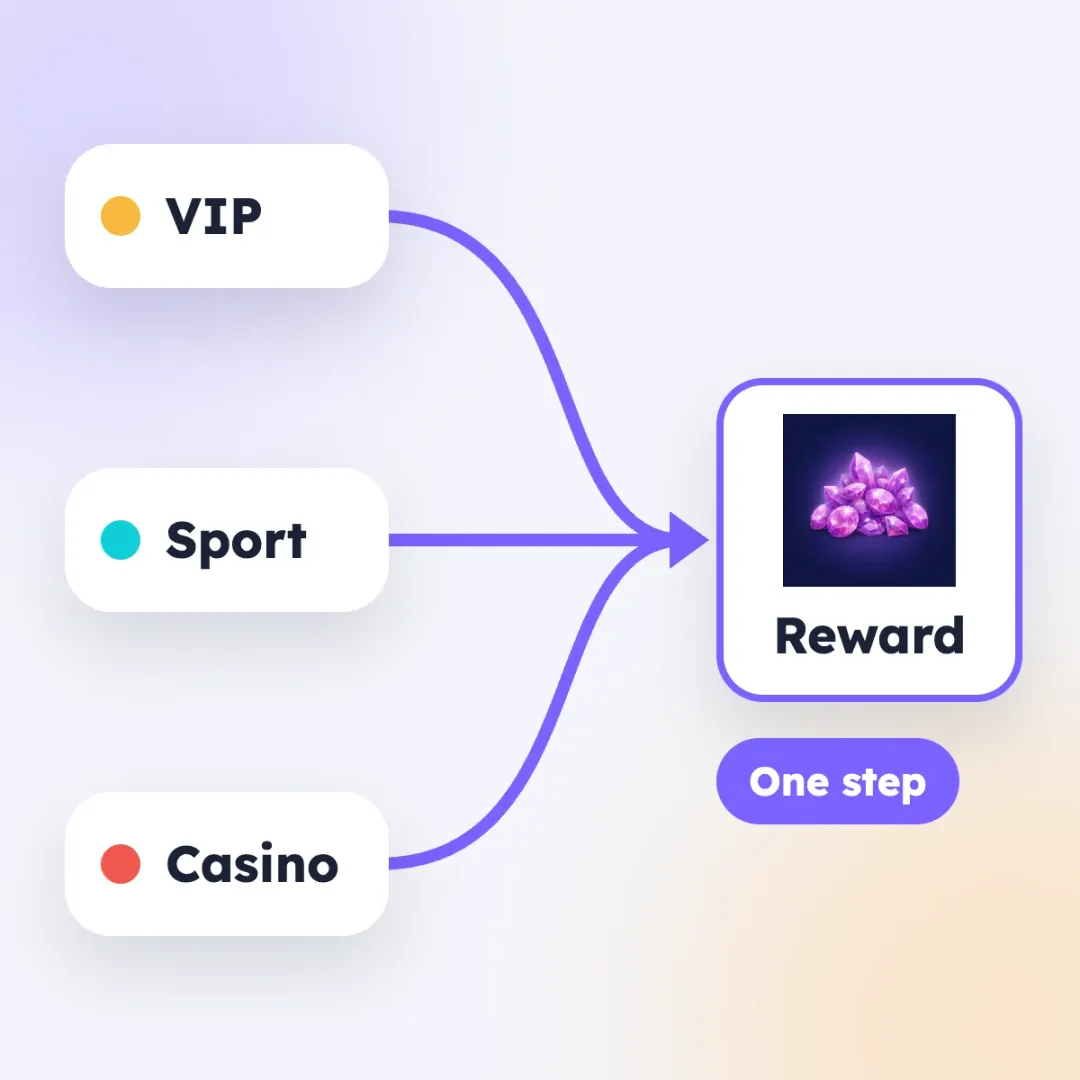
Before, a step could have only one incoming path. If three branches ended with the same reward, you built the reward three times. Every change was also made three times.
Now branches join into one shared step. A player runs it once, from the first path that reaches it. If you need every arrival to count, there is a setting for that.
Live view now shows the path of one player. You see which steps they reached and where they stopped. So "why didn't this player get the bonus?" is quick to answer. Both are part of CRM Automation and work in every campaign.
Four new games
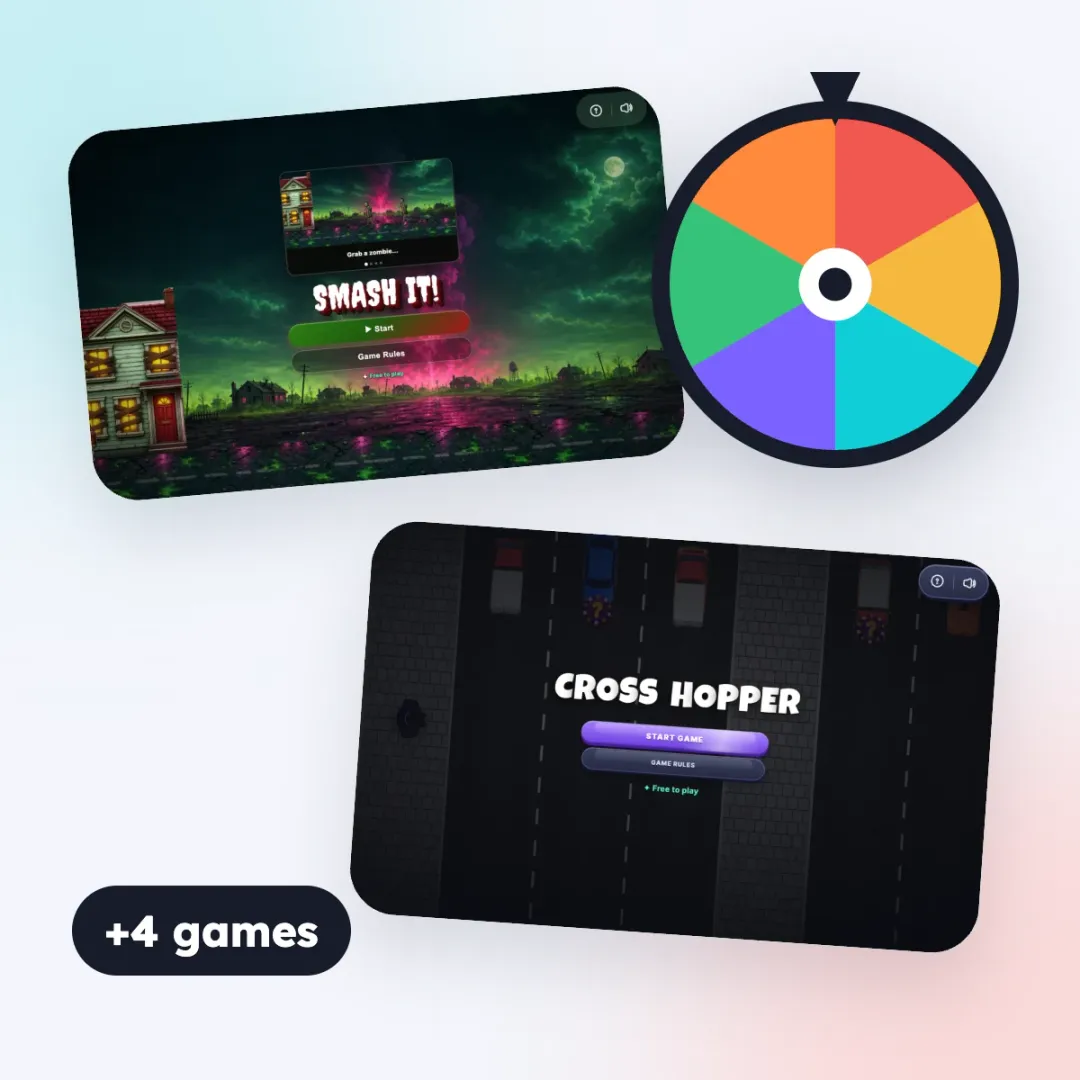 We added four custom games: Spin the Wheel, Match & Blast (match-3 against the clock), Smash It! (stop the zombies) and Cross Hopper (cross the road, collect chips). In the last three a player can lose, and the prize is paid only on a win. On desktop, a game can open fullscreen or in a size you set. More: Match & Blast, Smash It! and Cross Hopper.
Ready emails, popups and doodles
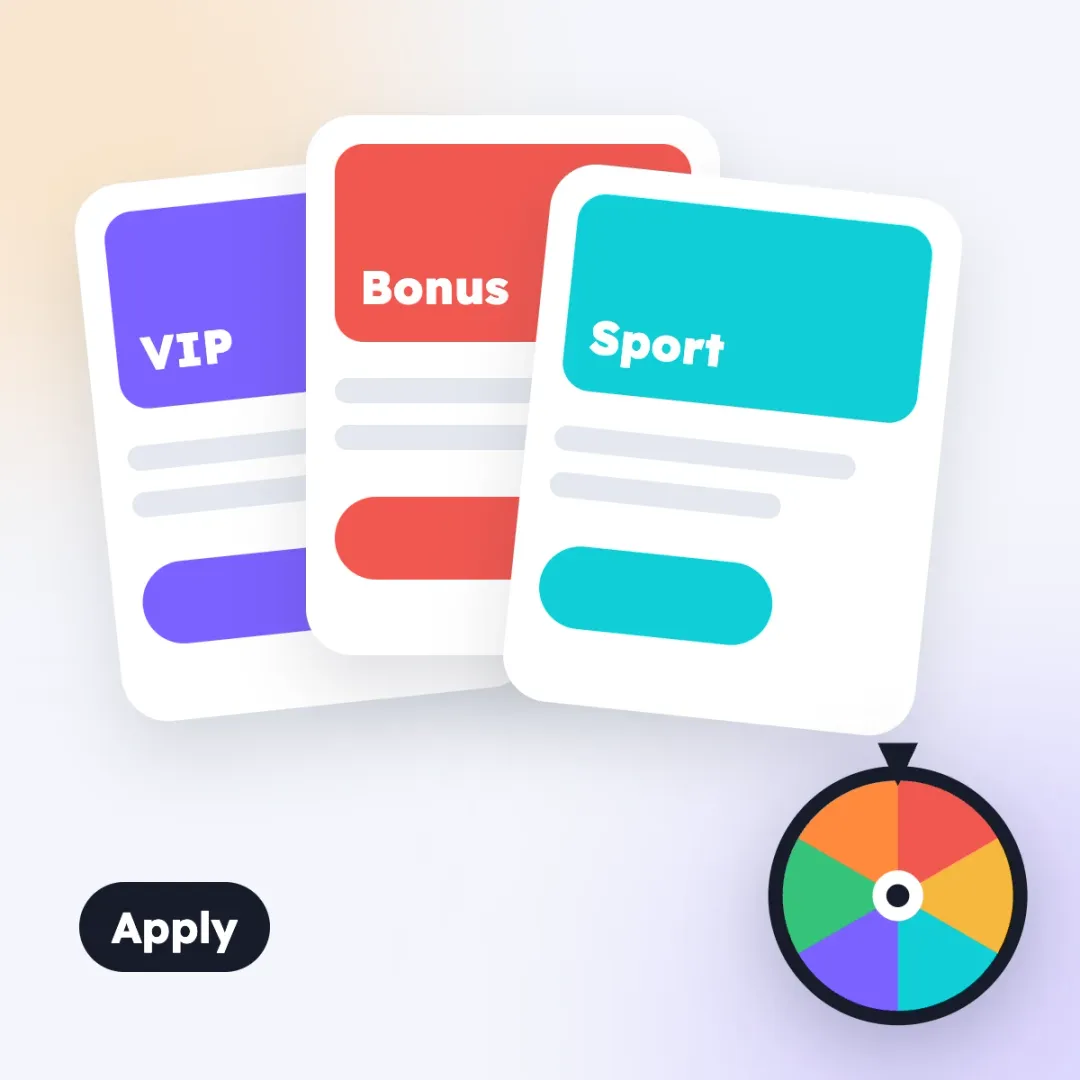 Vibe Studio now has 49 email and 43 popup templates: welcome, sport, VIP, missions, tournaments, seasonal. Pick one, click Apply, change the texts and the offer. It loads at once, with no waiting for the AI.
Gamification emails already have the event tags. Each player sees their own mission, tournament or prize. Save as template keeps your team's best designs for the whole label.
Doodles, the small games inside a popup, now come in 47 ready versions: wheels, chests, penalties, quizzes and more. All of this is in popups, forms and emails.
Favorite sport and league
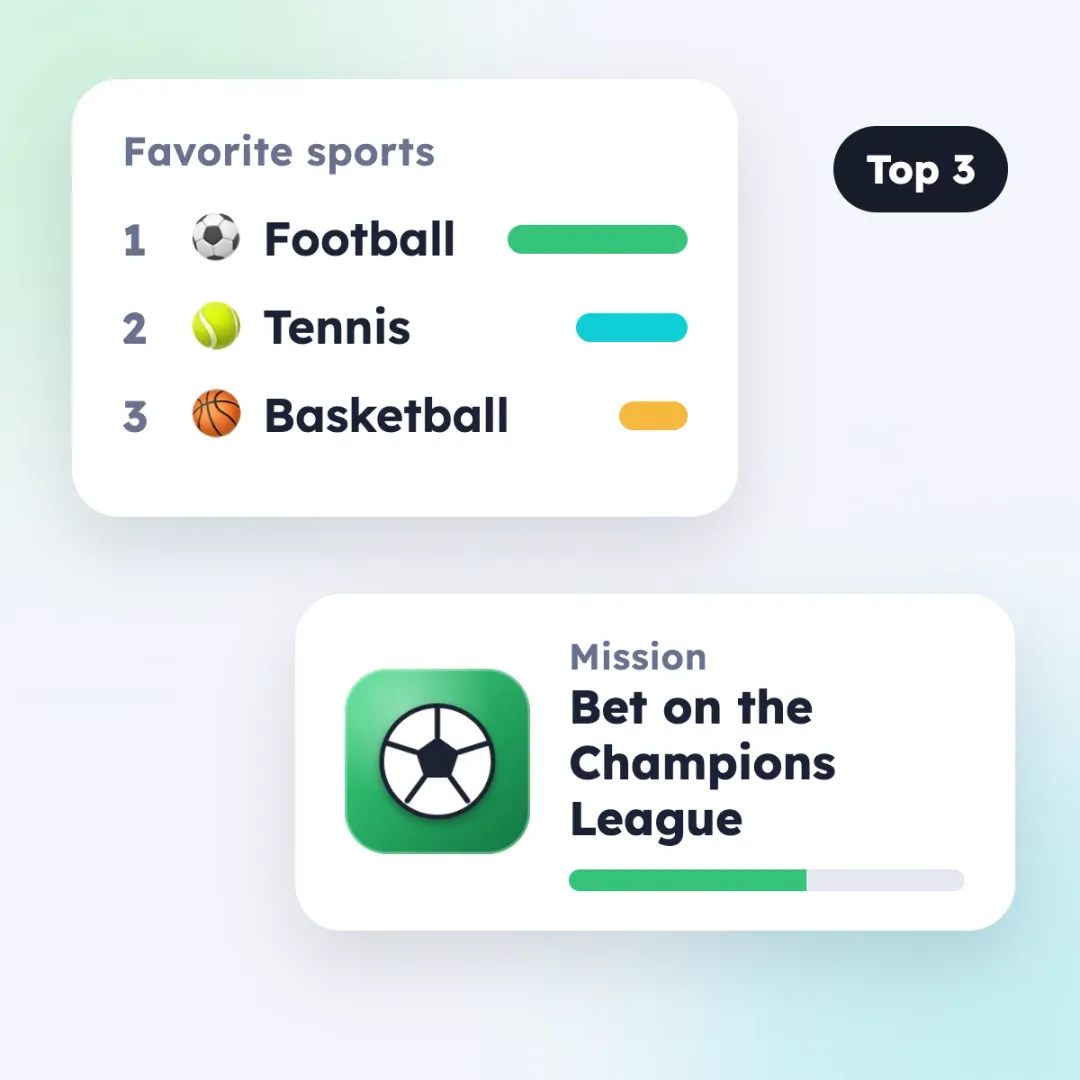 Two new player properties keep the top 3 sports and the top 3 leagues of each bettor, based on their bets.
Use them in segments: send a Champions League promo only to players who bet on the Champions League.
Use them in missions: a mission can follow the player's favorite league, and the {{suggested_sport}} tag puts the league into the mission name. A football fan gets a football mission, a tennis fan a tennis one.
Your Success Manager turns this on for your label.
Native SDKs for iOS and Android
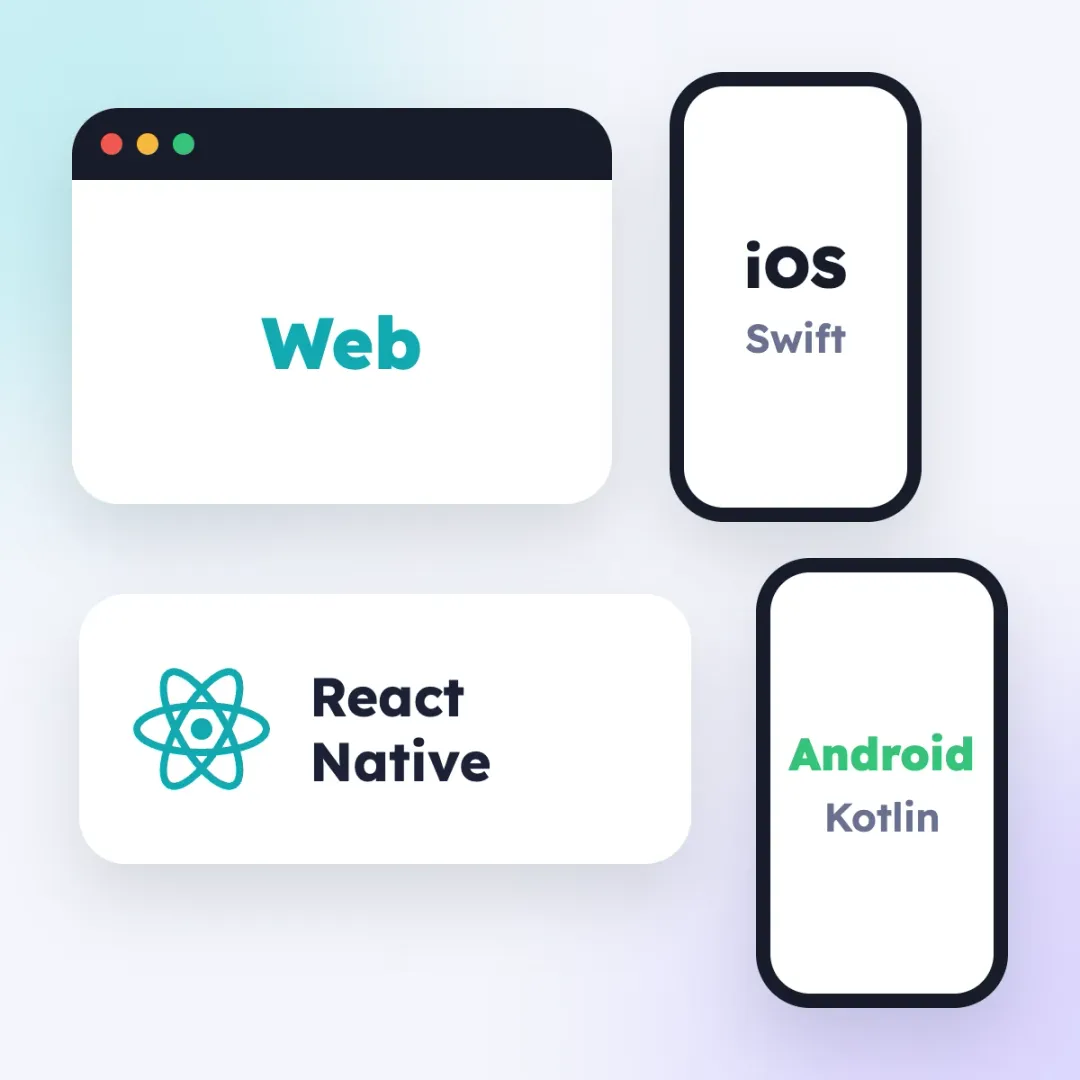 We released native SDKs for iOS (Swift) and Android (Kotlin). Each comes with an open-source demo app: missions, badges, tournaments, store, levels, inbox and more. The screens are native, so they look like the rest of your app.
Smartico now runs on:
- Web: the JS library and the public JS API;
- iOS: native Swift SDK;
- Android: native Kotlin SDK;
- React Native: one code base for both stores;
- your own client: the integration guide describes the protocol.
Push notifications now also reach Huawei phones. Everything for developers: Developers.
MCP Server
The MCP Server lets AI assistants like Claude work with your back office. It is one of our main areas of work. This month: access profiles that limit what each connection can do (security), sign-in with Smartico, and more objects it can create and change. More is coming every month.
Smaller changes
Communication caps by calendar day, week or month. Liquid in SMS. Default values and hidden fields in forms. Time zones and daylight saving for recurring missions and campaigns. Personal jackpots that reset after a quiet period. Session replay of Smartico widgets in FullStory and Amplitude.
Thank you
Many of these changes came from your requests. Shared steps in Flow Builder most of all. Thank you for asking.
Try the new features and tell us what is missing. That is what we build next.
See you in November.